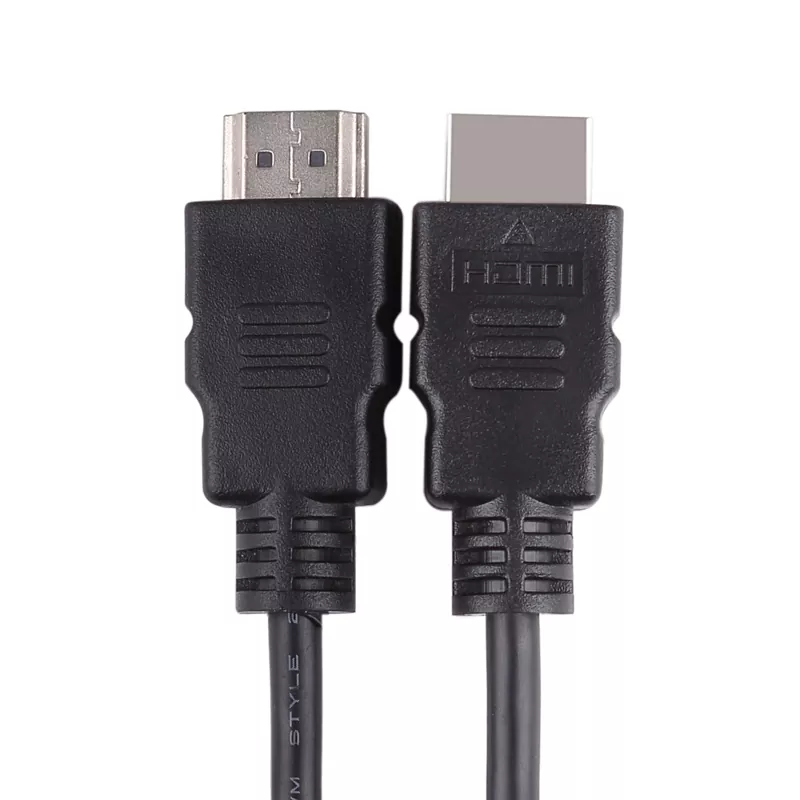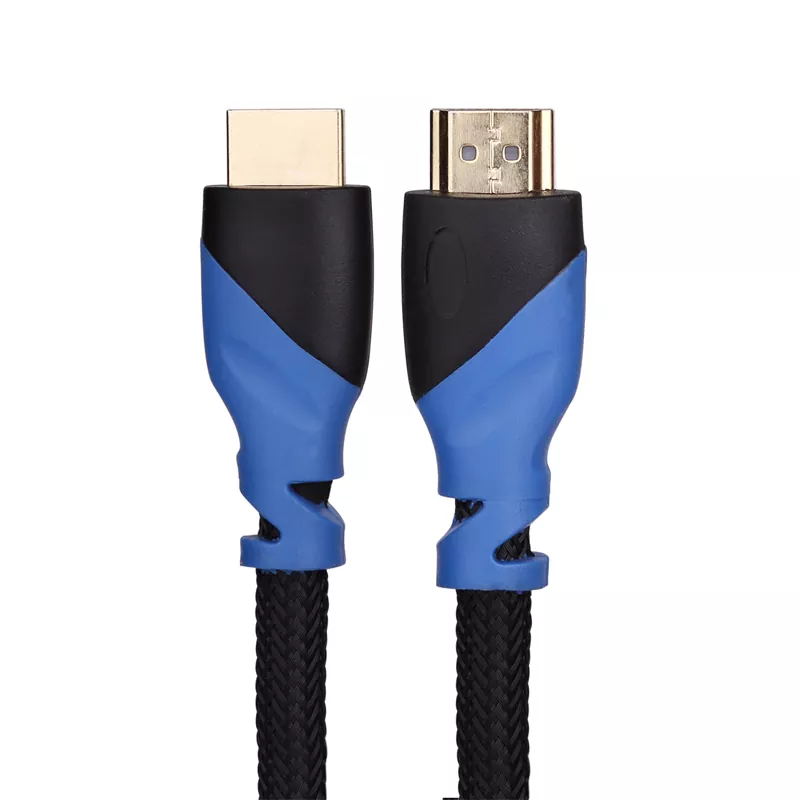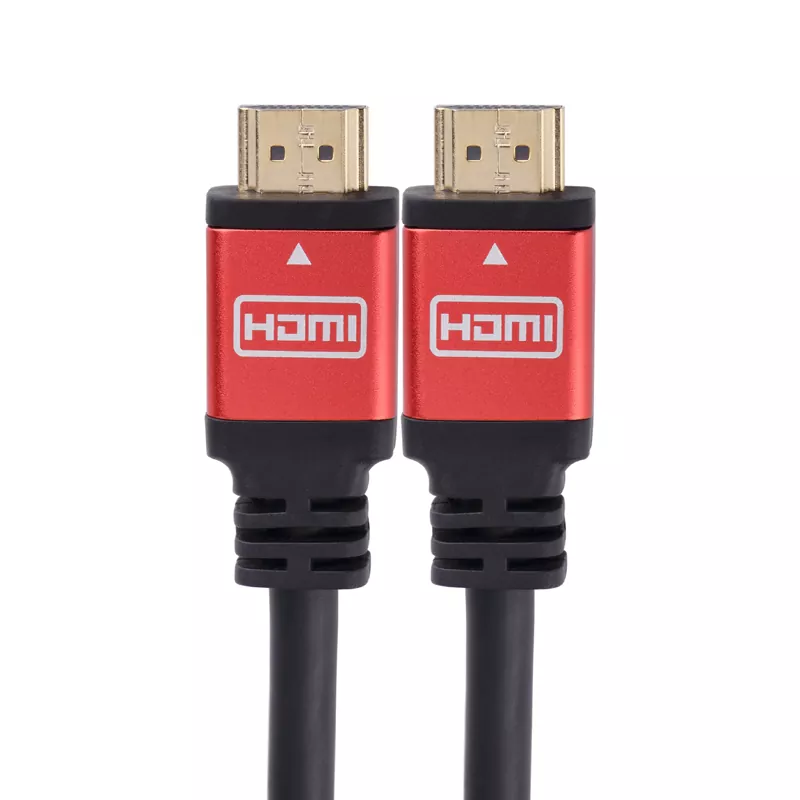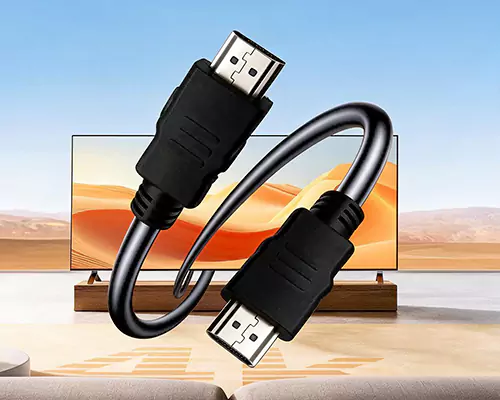

HDMI cables may look similar, but their performance can differ significantly when they are used with high-resolution displays, gaming devices, Blu-ray players, computers, projectors, and other digital equipment. A High Speed HDMI 1.4 Cable is designed for HDMI 1.4-era applications and can support demanding HD video and audio transmission when the cable, source device, display, and settings are properly matched. This article explains the practical capabilities of HDMI 1.4, common customer concerns, installation considerations, compatibility issues, cable length, construction quality, and troubleshooting methods. It also provides a straightforward checklist for buyers and system integrators who need stable digital connectivity without unnecessary complexity.
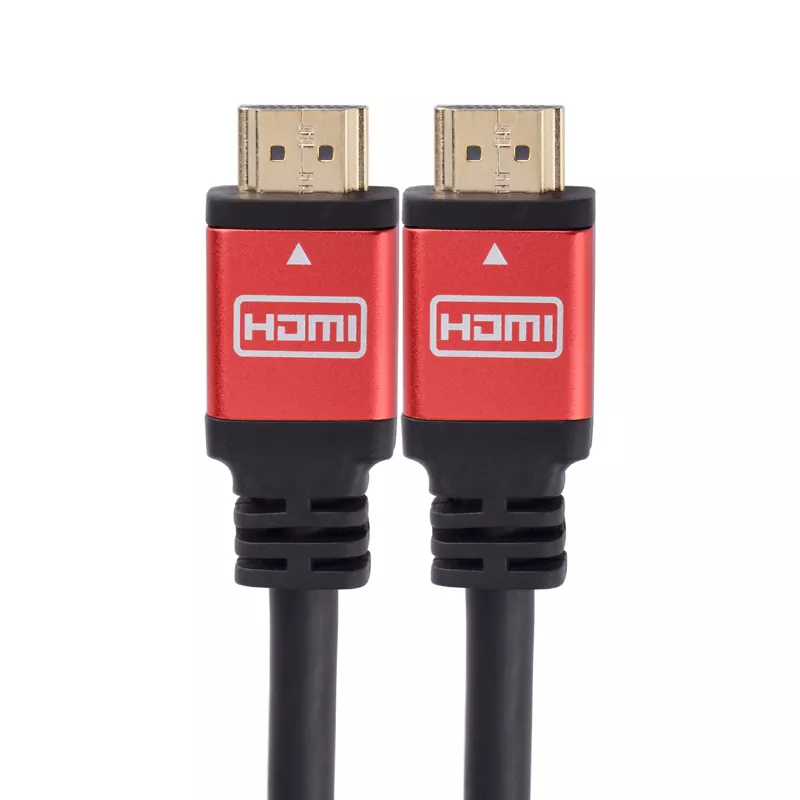
HDMI, or High-Definition Multimedia Interface, has become one of the most widely used methods for transmitting digital video and audio between consumer electronics and professional AV equipment. Instead of requiring separate cables for picture and sound, HDMI can carry both through a single connection.
The HDMI 1.4 specification introduced several important capabilities beyond earlier HDMI generations. A properly manufactured High Speed HDMI 1.4 Cable is intended for applications requiring higher bandwidth than standard-speed HDMI cables, making it suitable for many Full HD and compatible high-resolution entertainment systems.
It is important to understand that the cable is only one part of the signal chain. Actual performance depends on the source device, HDMI port, display, resolution, refresh rate, cable construction, cable length, and the configuration of the entire system. A capable cable cannot make a source or display support a feature that the hardware itself does not provide.
HDMI 1.4 brought several useful functions to the HDMI ecosystem. For customers evaluating cables, understanding these capabilities makes it easier to match a cable to a real-world application rather than relying solely on marketing claims.
| Capability | Practical Value |
|---|---|
| High Speed transmission | Provides greater bandwidth than earlier standard HDMI cable categories. |
| HD digital video | Suitable for many Full HD televisions, monitors, projectors, and media devices. |
| Digital audio | Allows compatible HDMI systems to transmit multichannel digital audio. |
| 3D support | Supports compatible 3D video formats when the connected equipment also supports them. |
| Ethernet Channel | Certain HDMI 1.4 implementations can support network connectivity through HDMI when compatible devices are used. |
| Audio Return Channel | Compatible equipment can use HDMI for returning audio from a display to an AV receiver or sound system. |
For everyday applications, the biggest advantage is straightforward: one properly selected cable can provide a convenient connection for both high-definition video and digital audio without requiring multiple separate signal cables.
The broad compatibility of HDMI 1.4 makes this cable category useful in numerous environments. It can be particularly practical when the equipment does not require the additional bandwidth and advanced features associated with newer HDMI standards.
Connect televisions with Blu-ray players, set-top boxes, game consoles, AV receivers, and media players.
Connect computers, laptops, monitors, meeting-room displays, and projectors for presentations and video playback.
Useful for compatible consoles and gaming PCs where the required resolution and refresh rate fall within the cable's capabilities.
Suitable for signage, training rooms, classrooms, conference systems, and other compatible display applications.
A common customer misconception is that every HDMI cable performs identically because HDMI is a digital interface. Although HDMI carries digital information, poor signal integrity can still create visible and audible problems. When the signal becomes unreliable, users may experience intermittent black screens, sparkles, dropouts, flickering, or complete loss of connection.
A well-designed cable should pay attention to several construction details:
For customers, this means that a cable should not be judged by appearance alone. A robust external jacket is useful, but internal construction and quality control are equally important to long-term reliability.
Cable length is one of the most overlooked factors in HDMI installation. As the transmission distance increases, maintaining signal integrity becomes more challenging. This does not mean that every long HDMI cable will fail, but longer passive cables generally require greater attention to design, manufacturing quality, and system conditions.
Use the shortest cable that comfortably reaches the equipment while avoiding excessive tension, sharp bends, or unnecessary cable loops.
If a system requires a significantly longer connection, installers should consider the specific cable design and the required signal format. Testing the complete signal path before final installation can prevent difficult troubleshooting later.
Choosing a High Speed HDMI 1.4 Cable should begin with the equipment rather than the cable packaging. Customers often focus on price, appearance, or maximum resolution claims without first identifying the actual requirements of the source and display.
HDMI standards have continued to evolve. Newer generations offer greater bandwidth and features intended for demanding modern displays and gaming equipment. However, newer does not automatically mean necessary.
| Requirement | HDMI 1.4 Era Solution | When a Newer HDMI Generation May Be Preferable |
|---|---|---|
| Full HD entertainment | Often suitable | Usually unnecessary solely for Full HD |
| Basic office display | Often suitable | Depends on monitor requirements |
| High-refresh gaming | May be limited by bandwidth and equipment | Newer standards may be more appropriate |
| Advanced 4K features | Requires careful checking of the exact format | Newer HDMI solutions provide greater capability |
The key lesson is compatibility. A cable should be selected according to the complete signal chain. If a system only needs capabilities within HDMI 1.4's practical range, a suitable High Speed HDMI 1.4 Cable can remain a cost-effective and dependable solution.
Even a high-quality HDMI cable can perform poorly if it is installed incorrectly. Good installation practices are particularly important in wall-mounted televisions, conference rooms, digital signage systems, and equipment racks.
Labeling cables in professional installations can also save considerable time. When multiple HDMI connections are routed through a rack or conference table, simple source-and-display labels make future maintenance significantly easier.
| Problem | Possible Cause | Recommended Action |
|---|---|---|
| No picture | Incorrect input, loose connector, incompatible setting | Check inputs, reseat both connectors, and verify source settings. |
| Intermittent signal | Signal integrity, connector contact, cable length | Try a shorter or better-suited cable and inspect the connectors. |
| No audio | Audio configuration or device compatibility | Check audio output settings and display/receiver configuration. |
| Flickering screen | Signal instability or marginal connection | Reduce unnecessary cable length and test another known-good cable. |
A useful diagnostic method is to simplify the system. Remove unnecessary intermediate devices, connect the source directly to the display, select a conservative output setting, and test again. If the direct connection works, reconnect the components one at a time to identify the source of the problem.
It is a cable designed for HDMI applications requiring higher bandwidth than earlier standard HDMI cable categories and is commonly used for compatible HD video and digital audio systems.
Yes. HDMI systems are generally designed with backward compatibility in mind, but the actual performance is determined by the capabilities shared by the source, display, and cable. Advanced features may require a newer cable category or standard.
No. Excess cable length can make signal integrity more difficult to maintain. It is usually better to select a cable long enough for the installation without adding unnecessary distance.
Possible causes include incorrect input selection, loose connectors, incompatible output settings, signal integrity problems, or issues elsewhere in the HDMI chain. Testing a known-good cable and simplifying the connection can help isolate the cause.
Not necessarily. For a digital connection operating within its supported specifications, the priority should be reliable signal transmission, appropriate specifications, proper construction, and compatibility rather than price alone.
Yes. HDMI was designed to carry digital video and audio through the same interface. The exact audio formats supported depend on the connected equipment and system configuration.
Shielding can help protect high-speed signal transmission from electromagnetic interference, particularly in environments containing multiple electronic devices or power cables.
Businesses should consider consistent specifications, connector durability, cable length options, packaging, quality control, compatibility, and the supplier's ability to provide stable production and customization for repeat projects.
A High Speed HDMI 1.4 Cable remains a practical solution for many HD entertainment, office, education, gaming, and commercial AV applications. Its value comes from matching the cable's capabilities with the actual requirements of the connected equipment.
The most reliable approach is to look beyond the cable label. Consider the source and display specifications, required resolution, cable length, connector quality, shielding, installation environment, and expected service life. For systems that do not require the advanced bandwidth of newer HDMI generations, a properly manufactured HDMI 1.4 cable can deliver dependable everyday connectivity.
TLD Electronics (HK) Co., Limited focuses on providing practical connectivity solutions for customers seeking dependable HDMI products for consumer electronics, commercial AV systems, OEM projects, and bulk purchasing. If you need assistance with specifications, cable length, connector requirements, packaging, or customized solutions, contact us to discuss your project requirements and find a suitable High Speed HDMI 1.4 Cable solution.
-