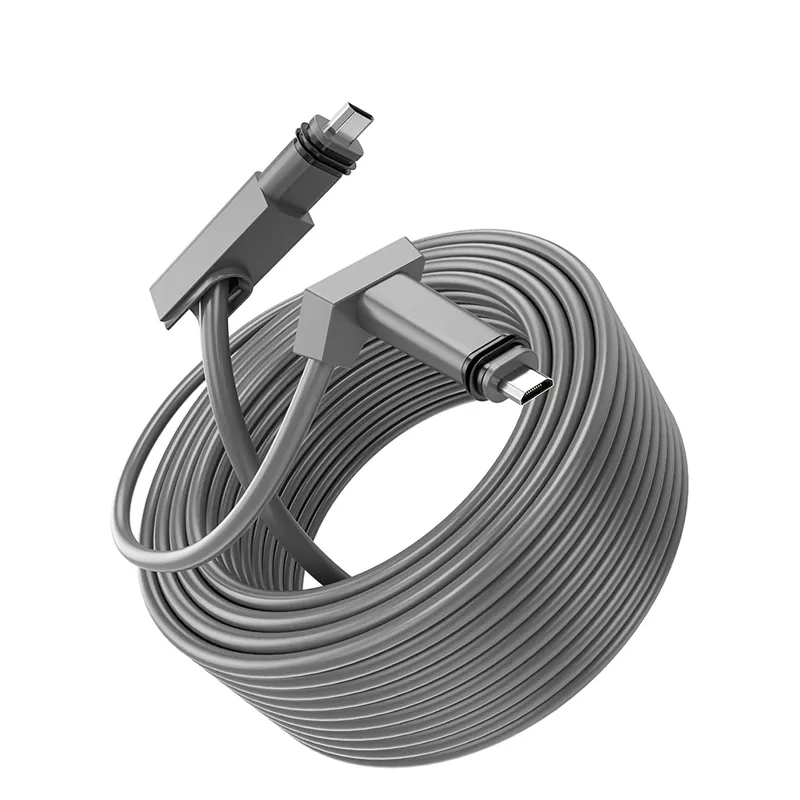

Your Starlink connection is working, but the device that matters most—a desktop, gaming console, smart TV, network switch, or third-party router—needs Ethernet. The Starlink Standard Actuated Gen 2 router doesn't provide a native RJ45 port, so a normal patch cable can't plug into it directly.
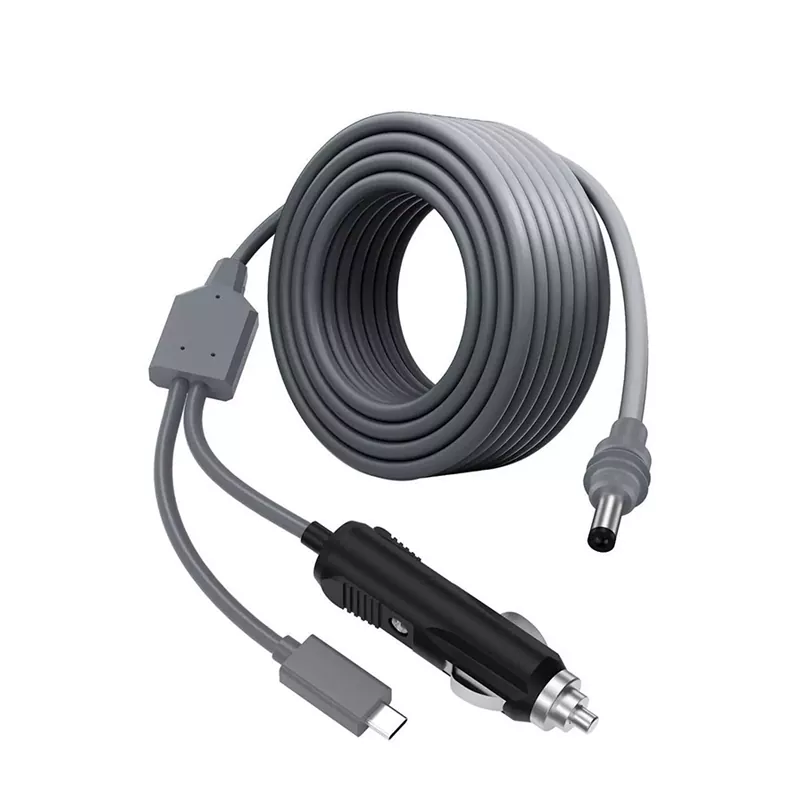
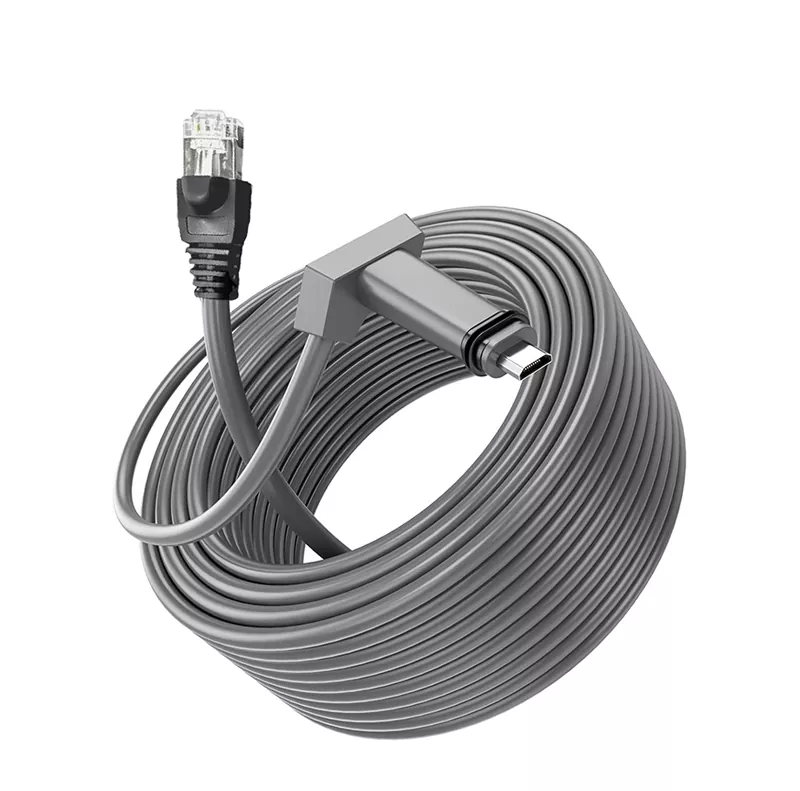
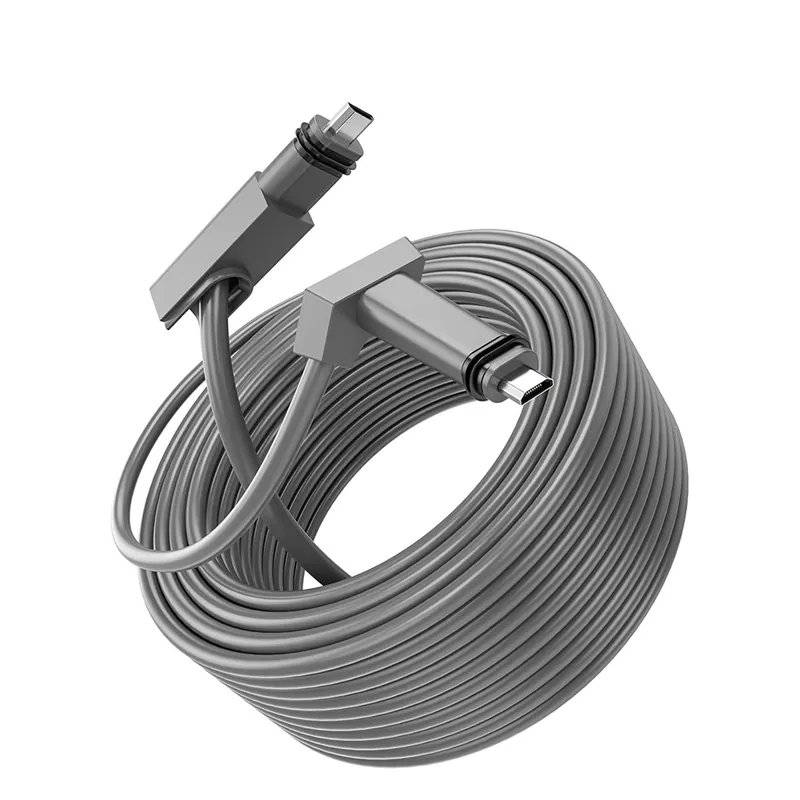
A Starlink Gen 2 Ethernet Adapter Cable solves that specific problem. It converts the proprietary Starlink SPX connection to a standard RJ45 Ethernet interface without requiring you to cut, splice, or crimp the original Starlink cable. TLD Electronics supplies the adapter with shielded 26 AWG bare copper conductors, weather-resistant jacket options, an IP68 sealing design, and support for data rates up to 1 Gbps.
Confirm Gen 2 compatibility before you order
Starlink generation names aren't interchangeable. Connector shape, router design, and power architecture vary by hardware version. Check the label in your Starlink app or the hardware identification on your equipment before ordering; appearance alone is a poor way to identify a terminal.
Designed for Starlink Standard Actuated systems—not Gen 3
This adapter is engineered for the Starlink Standard Actuated system commonly called Gen 2. It isn't presented as a Gen 3, Mini, High Performance, or Flat High Performance adapter. If your terminal doesn't use the corresponding Gen 2 SPX interface, don't assume a mechanical adapter will make it compatible.
That distinction matters because forcing a similar-looking connector can damage contacts or sealing surfaces. For project orders, send TLD Electronics the Starlink model or clear connector photographs before production.
What the SPX-to-RJ45 adapter cable includes and does not include
The functional assembly combines a proprietary Starlink SPX connector with a standard RJ45 Ethernet port. Its cable construction uses shielded 26 AWG bare copper, with PVC or TPU weather-resistant jacket options.
- It provides: a physical wired Ethernet handoff for compatible Gen 2 equipment.
- It avoids: cutting or re-terminating the original Starlink cable.
- It does not provide: a new internet service plan, automatic router configuration, or compatibility with every Starlink generation.
- It does not guarantee: a 1 Gbps internet connection. Actual throughput still depends on Starlink service conditions, network hardware, cabling, and the connected device.
Confirm the quoted package contents if you also need patch cables, mounting hardware, custom packaging, or other accessories.
How to install the adapter on the Gen 2 router side
- Verify that the system is Starlink Standard Actuated Gen 2 and inspect both connectors for dirt, bent contacts, or damaged seals.
- Power down the Starlink equipment before connecting or removing the proprietary interface.
- Seat the SPX connector in the intended Gen 2 router-side connection. Follow the connector orientation rather than twisting or forcing it.
- Run a suitable Ethernet patch cable from the adapter's RJ45 port to your computer, console, TV, switch, or third-party router.
- Restore power, then check the Ethernet link status on the connected device.
The adapter creates the physical Ethernet connection; it doesn't configure IP addressing, routing, or Wi-Fi settings. A third-party router may require changes in the Starlink app or its own administration interface. Those settings can vary with router model and firmware.
Get stable wired Ethernet for devices that need a direct connection
Wi-Fi is convenient, but walls, metal cabinets, neighboring networks, and distance can make performance inconsistent. A wired connection removes the local wireless hop between the Gen 2 router and the connected device. That can reduce one common source of packet loss and latency variation, although it can't correct congestion or signal conditions on the Starlink side.
The practical gain is device flexibility. You can connect a workstation that has no reliable Wi-Fi coverage, give a gaming console a fixed network path, feed a smart TV, or hand the connection to a third-party router with the features your installation requires.
Support for up to 1 Gbps also prevents the adapter from imposing a 100 Mbps Ethernet ceiling under suitable conditions. Every component in the path—including the patch cable, switch, router port, and device network interface—must support Gigabit Ethernet to negotiate that rate.
Use shielded, weather-resistant construction for demanding installations
Cable construction deserves more attention than surface appearance. RV power systems, equipment cabinets, long cable routes, and installations near power wiring can expose network cabling to electrical noise, movement, abrasion, and moisture. Shielding and the correct jacket help manage those risks, but only when the complete installation is specified and assembled correctly.
26 AWG bare copper, shielding, and IP68 sealing
TLD uses shielded 26 AWG bare copper conductors rather than describing the cable only by its outer diameter. Copper conductor size affects resistance and handling, while shielding can reduce susceptibility to electromagnetic interference when the shield path and connected equipment are properly designed.
PVC and TPU weather-resistant jacket options are available. The right choice depends on where the cable will run, how often it will flex, and its exposure to abrasion, sunlight, moisture, or chemicals. Buyers should specify the actual environment rather than treating every “outdoor” cable as equivalent.
The adapter has an IP68 sealing design. That rating shouldn't be read as permission to leave every RJ45 connection exposed or to submerge an assembled network indefinitely. Sealing performance depends on the rated configuration, properly mated interfaces, and intact seals. For marine or exposed installations, ask which parts of the assembly carry the rating and confirm any requirements for salt exposure, strain relief, and enclosure use.
Up to 1 Gbps performance and CE, RoHS, and FCC compliance
TLD lists performance up to 1 Gbps and CE, RoHS, and FCC compliance for this product. These points address different concerns: data capability, market requirements, restricted substances, and electromagnetic considerations. They don't replace a compatibility check or guarantee application-specific approval.
If documentation is required for import, resale, or a commercial project, request the reports or declarations tied to the exact ordered configuration. Jacket material, length, shielding type, and cable rating may differ across custom versions.
Choose the right setup for home, RV, marine, rural, and business use
| Installation | What the adapter enables | What to verify |
|---|---|---|
| Home | Wired access for a TV, desktop, console, switch, or third-party router | Patch-cable category, router settings, and cable routing |
| RV | An Ethernet handoff to an onboard router or fixed device | Vibration, bend points, strain relief, and jacket choice |
| Marine | A wired link inside a protected communications installation | Salt exposure, enclosure sealing, and the exact scope of the IP68 design |
| Rural property | A direct connection for office, monitoring, or network equipment | Run length, outdoor exposure, surge planning, and equipment location |
| Business or project deployment | Repeatable Gen 2-to-RJ45 connectivity across multiple sites | Hardware generation, documentation, packaging, and batch consistency |
The most common purchasing mistake is choosing by the word “Starlink” without checking the terminal generation. The second is focusing on adapter speed while ignoring the patch cable, switch port, environmental exposure, or third-party router configuration.
Request a Starlink Gen 2 Ethernet cable quotation from TLD Electronics
TLD Electronics manufactures connectivity products in Guangdong and supplies distributors, niche brands, and direct project buyers. OEM options include cable length, color, packaging, shielding type, and cable rating, with small-batch orders available.
For an accurate quotation, provide your quantity, required length, installation environment, preferred PVC or TPU jacket, packaging needs, destination market, and confirmation that the hardware is Starlink Standard Actuated Gen 2. Lead time should be confirmed against the final configuration and order volume.
Review the shielded SPX-to-RJ45 adapter specifications, then request a Starlink Gen 2 Ethernet cable quotation from TLD Electronics with your application details.