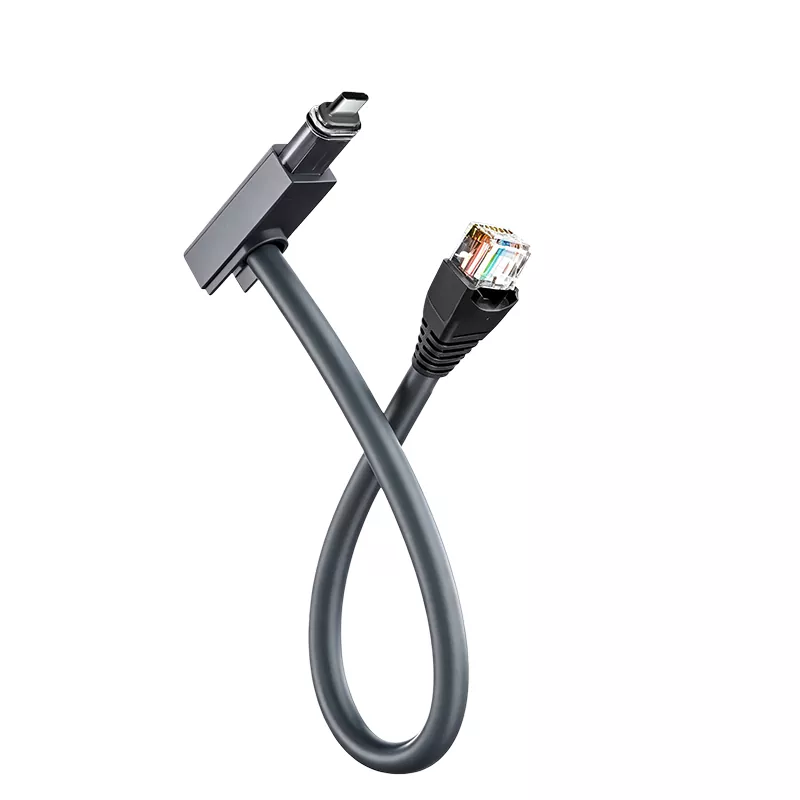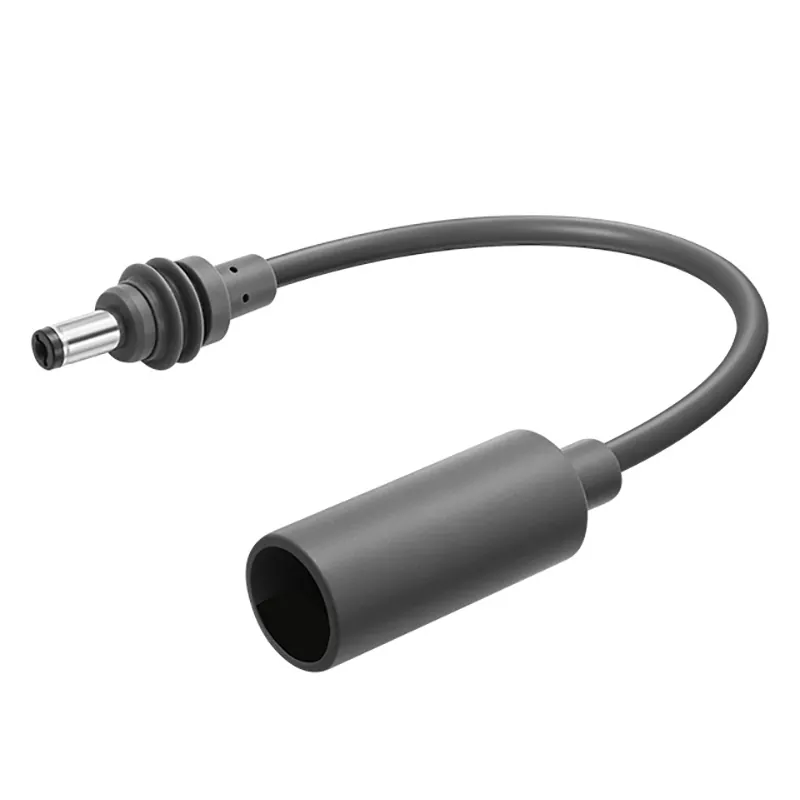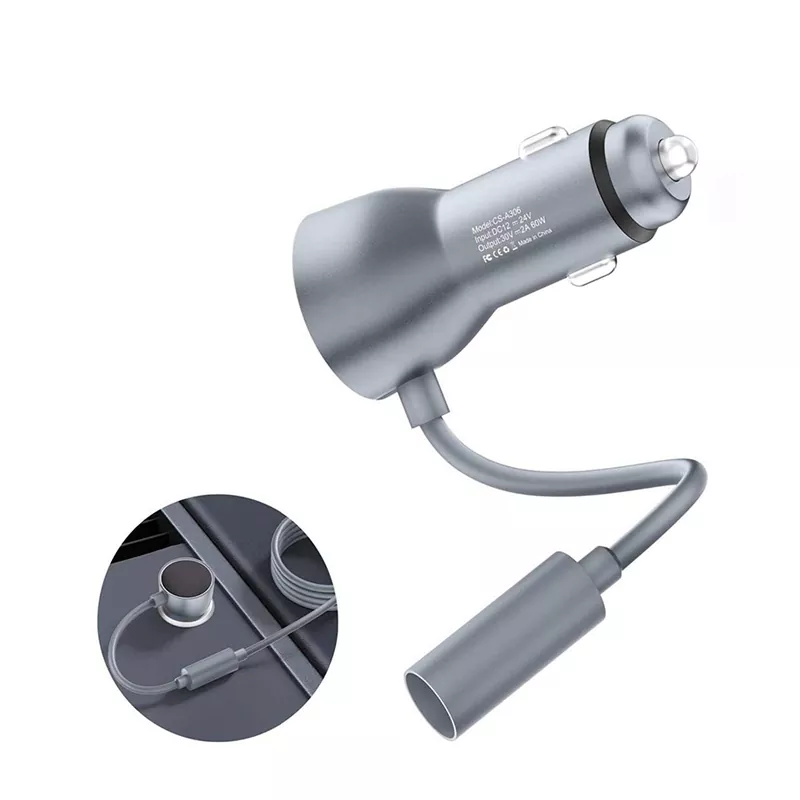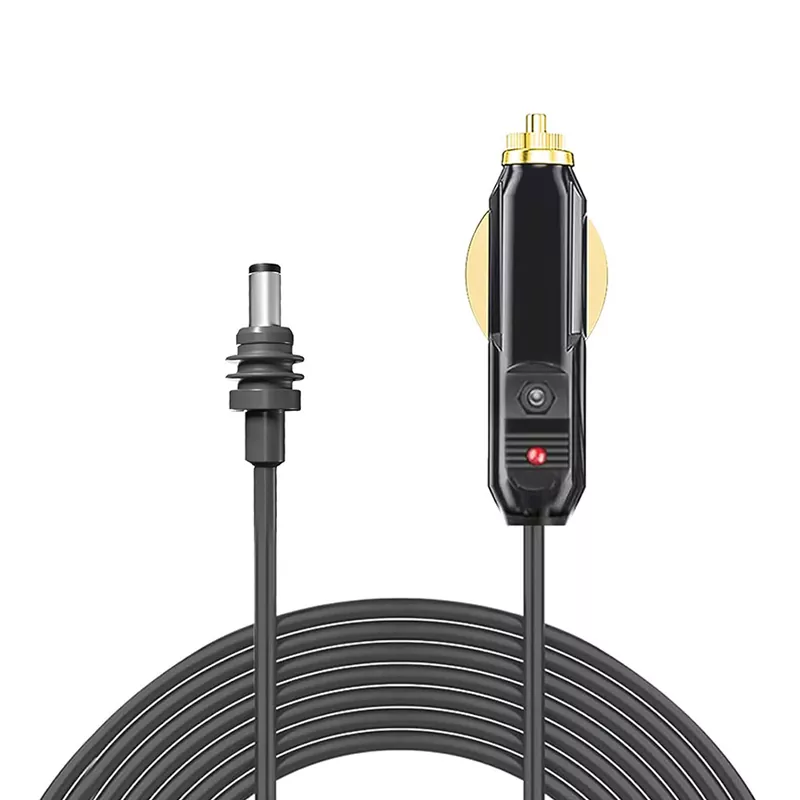
High Speed DisplayPort 2.1 Cable is a digital display interface cable engineered to deliver the full 80 Gbps bandwidth defined by VESA’s DisplayPort 2.1 specification, enabling uncompressed high-resolution video and multi-channel audio between GPUs, monitors, docking stations, and VR/AR headsets. It supports UHBR20 link rates across four lanes, making possible 4K at 240Hz with HDR and 10-bit color, 8K at 60Hz, and dual 4K at 144Hz configurations without relying on visual lossy compression in typical setups. The cable is the PC-centric counterpart to HDMI, commonly used for gaming displays, professional workstations, MST multi-monitor daisy chains, and USB-C Alt Mode docking ecosystems.
DP40 (UHBR10): Supports up to 40 Gbps total bandwidth (10 Gbps per lane). Suitable for 4K/120Hz gaming and general multitasking where full UHBR20 is not required.
DP54 (UHBR13.5): Supports up to 54 Gbps total bandwidth, enabling 8K/60Hz with DSC and offering a middle tier for high-resolution professional workflows. VESA introduced the DP54 passive cable specification in the 2.1a update, supporting UHBR13.5 over two-meter passive copper runs.
DP80 (UHBR20, “Full Bandwidth”): The top tier of DisplayPort 2.1 cable certification. A VESA-certified DP80 cable is the only way to achieve the full 80 Gbps UHBR20 link rate. Without a certified DP80 cable, a DP 2.1 GPU and monitor will often auto-negotiate down to UHBR10 (40 Gbps), forcing DSC activation and limiting uncompressed 4K/240Hz RGB output. DP80 cables are identified by the official VESA logo and listed in the DisplayPort certification database.
AWG (American Wire Gauge): Indicates the thickness of the copper conductors. DisplayPort 2.1 cables commonly use 28 AWG to 30 AWG for signal conductors, with thicker gauges (lower AWG numbers) generally offering better signal integrity for higher bandwidth and longer passive runs. Because UHBR20 pushes 20 Gbps per lane, passive DP80 copper cables are practically limited to about 2 meters; longer certified runs rely on active DP80LL (Low Loss) cables or fiber-optic solutions.
Shielding: DisplayPort 2.1 cables typically employ triple shielding—combinations of aluminum foil, aluminum Mylar, and braided copper—to defend against EMI/RFI at ultra-high frequencies. Robust shielding is critical not only for stable 80 Gbps signaling but also for minimizing interference with adjacent high-speed data lanes in compact workstation and gaming builds.
DisplayPort 2.1 Cable — Application Scenarios
High-refresh gaming: 4K at 240Hz, 1440p at 480Hz+, and VRR/AdaptiveSync setups where uncompressed bandwidth matters
MST multi-monitor workstations: A single DisplayPort output drives multiple independent monitors via daisy chain or MST hub—a capability HDMI does not natively offer
VR/AR and simulation: High-bandwidth, low-latency links between GPUs and next-generation headsets, extended by DP80LL active cables
Professional content creation and broadcast: 8K editing, color-critical grading, and multi-screen collaboration systems requiring uncompressed high-bit-depth video
USB-C Alt Mode docking: Video, data, and power over a single USB-C cable when paired with DisplayPort Alt Mode 2.1a hosts and docks
Black — Standard for most gaming and professional cables.
Gray / Silver — Common for workstation and OEM system builds.
White — Preferred for clean desktop and studio installations.
Custom colors — Available upon request for OEM/ODM orders (e.g., red, blue, branded Pantone matching).
What's the Super Advantages of DisplayPort 2.1 Cable by Comparison to HDMI 2.1 and Earlier DP Generations?
Compared to HDMI 2.1 (48 Gbps) and prior DisplayPort versions, DisplayPort 2.1 offers:
80 Gbps of Raw Bandwidth: UHBR20 delivers nearly double the bandwidth of HDMI 2.1, unlocking uncompressed 4K/240Hz and high-refresh dual-display configurations that would otherwise require DSC on competing interfaces.
Native MST Multi-Stream Transport: One DisplayPort output can feed multiple monitors in a daisy chain or MST hub topology, reducing cable count and port pressure on GPUs and laptops.
AdaptiveSync from the Ground Up: VESA Adaptive-Sync is natively supported, ensuring tear-free, stutter-free gaming across a wide range of refresh rates without requiring the latest HDMI VRR implementation.
PC and Workstation Ecosystem Integration: Alt Mode 2.1a, USB4 tunneling, and Thunderbolt compatibility make DisplayPort 2.1 the natural video backbone for modern docks, laptops, and compact workstations.
Aux Channel for Display Control: The DisplayPort AUX channel enables firmware updates, display configuration, and diagnostic functions over the same cable—capabilities HDMI does not provide through its primary link.
Direct Connection: Plug the standard full-size DisplayPort connector into the DP output on the GPU or docking station, and the other end into the monitor. The link is hot-pluggable and auto-negotiates the highest mutually supported UHBR rate. To actually reach UHBR20, both endpoints must support DP 2.1 UHBR20 and the cable must be VESA-certified DP80.
Adapter and Topology Options:
USB-C to DisplayPort Adapter / Cable: Connects DisplayPort Alt Mode laptops and phones to DP monitors.
Mini DisplayPort to DisplayPort Adapter: For older GPUs and laptops with Mini DP outputs.
MST Hub: Splits one DP 2.1 output into multiple independent displays, supporting mixed resolutions and refresh rates.
Daisy-Chain Connection: Connect GPU → Monitor 1 DP-in, then Monitor 1 DP-out → Monitor 2 DP-in, enabling MST in the monitor OSD.
DP80LL Active Cable: For UHBR20 runs beyond the ~2 m passive limit, an active low-loss cable maintains 80 Gbps over longer distances.
Fiber-Optic DisplayPort Cable: For long-distance installations (meeting rooms, signage, rack-to-desk runs) where copper signal attenuation becomes prohibitive.
VESA-certified DP80 cables for full UHBR20 80 Gbps (passive and active DP80LL variants)
VESA-certified DP54 cables for UHBR13.5 54 Gbps applications
DP40 cables for UHBR10 40 Gbps cost-sensitive builds
Lengths from 0.5 m to 3 m in passive copper; longer lengths via active or fiber-optic constructions
Right-angle and slim-profile DisplayPort cables for tight GPU and monitor enclosures
Braided, flat, and CL2/CL3 in-wall rated variants
USB-C to DisplayPort adapters and cables
Mini DisplayPort to DisplayPort adapters
DisplayPort female-to-female couplers
DisplayPort MST hubs
DisplayPort wall plates and faceplates
Cable management clips and ties
DisplayPort signal boosters / repeaters
Fiber-optic DisplayPort extender sets
Protective caps for unused connectors
Which Standards Do DisplayPort 2.1 Cables Meet?
|
Standard |
Description |
|
DisplayPort 2.1 / 2.1a / 2.1b |
Compliant with VESA DisplayPort specification |
|
VESA DP80 / DP54 / DP40 Certification |
Verified UHBR link rate and cable performance by an authorized test center |
|
UL Certified |
Underwriters Laboratories safety standard |
|
CL2 / CL3 Rated |
In-wall installation fire safety (where applicable) |
|
RoHS Compliant |
Restriction of Hazardous Substances compliance |
|
REACH Compliant |
Registration, Evaluation, Authorization, and Restriction of Chemicals |
|
CE Certified |
European conformity for safety and environmental standards |
|
FCC Certified |
U.S. Federal Communications Commission compliance for EMI |
VESA DP80 / DP54 Certification — The definitive proof that a cable can sustain UHBR20 or UHBR13.5 link rates and is listed in the official DisplayPort certification database
VESA Membership / Compliance Documentation — Evidence of adherence to the DisplayPort specification and participation in the VESA compliance program
UL Certification — Safety compliance
CE Certification — European market conformity
RoHS & REACH Compliance — Environmental and chemical safety
ISO 9001 — Quality management system
Flame Retardant Certificates — CL2, CL3, or equivalent ratings where applicable
EMI/EMC Test Reports — Electromagnetic compatibility at UHBR frequencies
Signal Integrity Test Reports — Eye diagram, insertion loss, and intra-pair skew data at 20 Gbps per lane
|
Parameter |
Specification |
|
Connector Type |
Standard full-size DisplayPort (male to male); Mini DisplayPort and USB-C variants available |
|
Conductor Material |
Bare copper or tinned copper (28 AWG to 30 AWG typical for signal pairs) |
|
Shielding |
Triple shielding (aluminum foil + Mylar + braided copper) for EMI/RFI protection |
|
Jacket Material |
PVC, TPE, or nylon braided |
|
Temperature Range |
−20°C to 80°C (−4°F to 176°F) |
|
Total Bandwidth |
Up to 80 Gbps (UHBR20); DP54 at 54 Gbps; DP40 at 40 Gbps |
|
Supported Resolutions |
4K×2K at 240Hz (HDR, 10-bit), 8K at 60Hz, dual 4K at 144Hz; up to 16K/60Hz with DSC |
|
Audio Support |
Up to 32 channels of uncompressed digital audio |
|
MST Support |
Yes (Multi-Stream Transport / daisy chain) |
|
AdaptiveSync |
Yes (VESA Adaptive-Sync) |
|
DSC Support |
Mandatory in DP 2.1; visually lossless compression available for exceeding uncompressed limits |
|
Connector Plating |
Gold-plated contacts for corrosion resistance |
|
Outer Diameter |
Typically 6.0 mm – 8.0 mm depending on shielding, AWG, and jacket |
PE Bag + Box — Standard retail packaging with individual boxes
Blister Pack / Clamshell — Common for consumer retail and gaming accessory displays
OP Bag — Simple poly bag for bulk/OEM orders
Gift Box — Premium packaging for flagship DP80 certified cables
Carton Box — Bulk packaging for wholesale and system-integrator orders
Custom Packaging — Available upon request with OEM/ODM branding, certification logos, and bandwidth labeling (DP40 / DP54 / DP80)
Packaging should prominently display the VESA certification tier (DP80 / DP54 / DP40), as this is the primary purchase decision factor for buyers seeking full UHBR20 performance. Protective caps on both ends are recommended to prevent contact oxidation during shipping.
To request a quote for DisplayPort 2.1 Cable, please provide the following information and contact sales06@tldcable.com:
Required VESA certification tier: DP80 (UHBR20) / DP54 (UHBR13.5) / DP40 (UHBR10)
Required length (0.5 m, 1 m, 1.5 m, 2 m, 3 m; active/fiber options for longer runs)
Connector type (full-size DP to DP, Mini DP, USB-C to DP, etc.)
Conductor gauge (28 AWG / 30 AWG)
Shielding type (double or triple shielded)
Jacket material (PVC, TPE, nylon braided)
Color preference
Order quantity
Sample order or bulk order
Custom length needed?
Custom color?
Custom connector plating (gold, nickel, etc.)?
Custom packaging and branding (OEM/ODM)?
Is VESA DP80 / DP54 certification required? (Strongly recommended for any cable marketed as “full bandwidth” DP 2.1)
Any additional certifications needed (UL, CE, RoHS, REACH, etc.)?
Any specific signal integrity or EMI test reports required?
Destination country/port
Preferred shipping method (air, sea, express)
Required delivery timeline
Recommended TLD's other Products:
USB C Cables
HDMI Cables
Starlink Cable
Computer Monitor Cable
Patch Cord Cable
Fiber Optic Cable