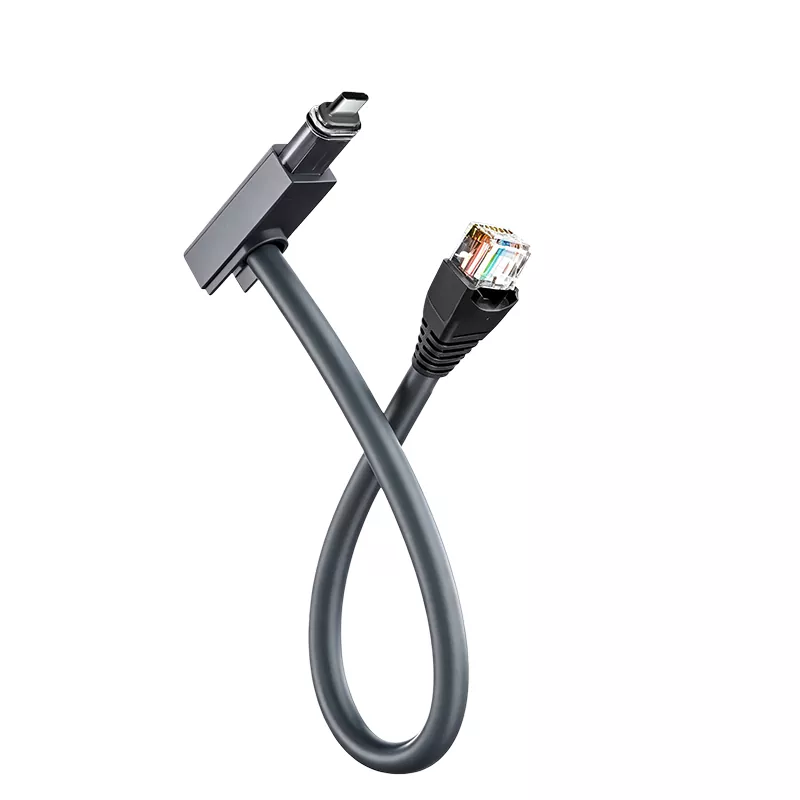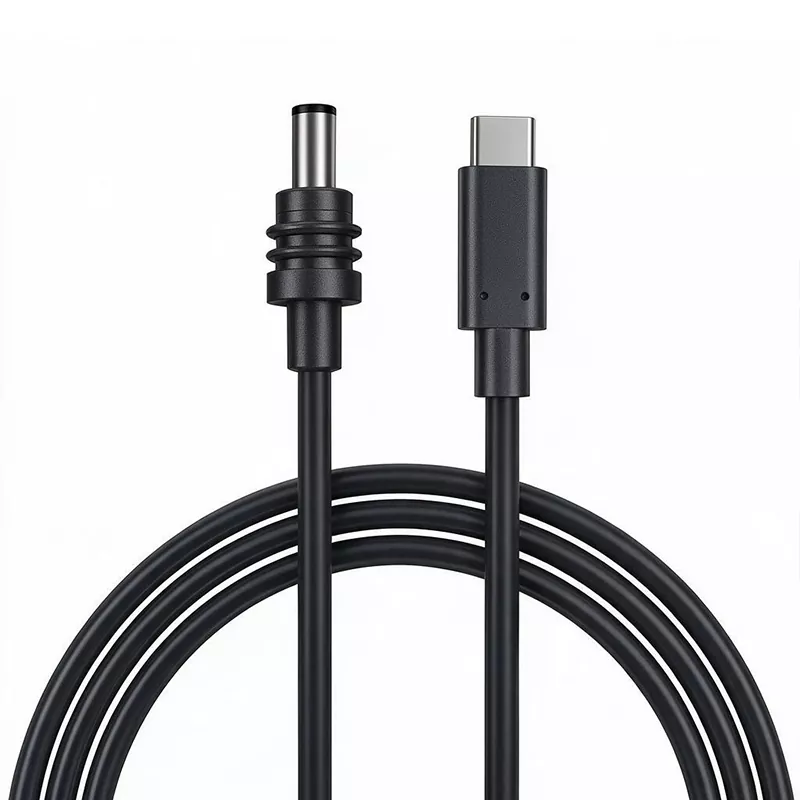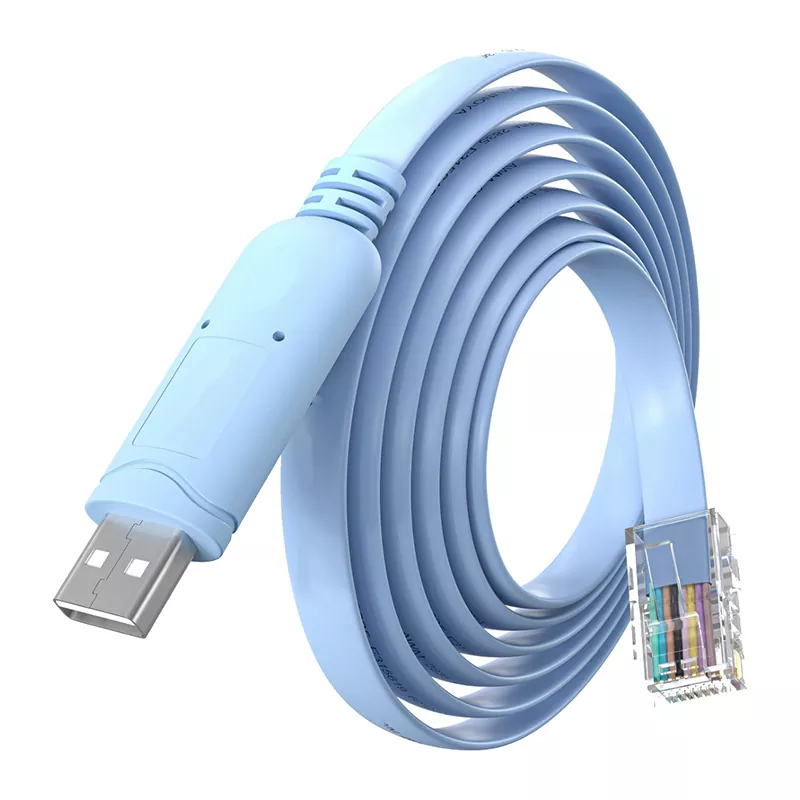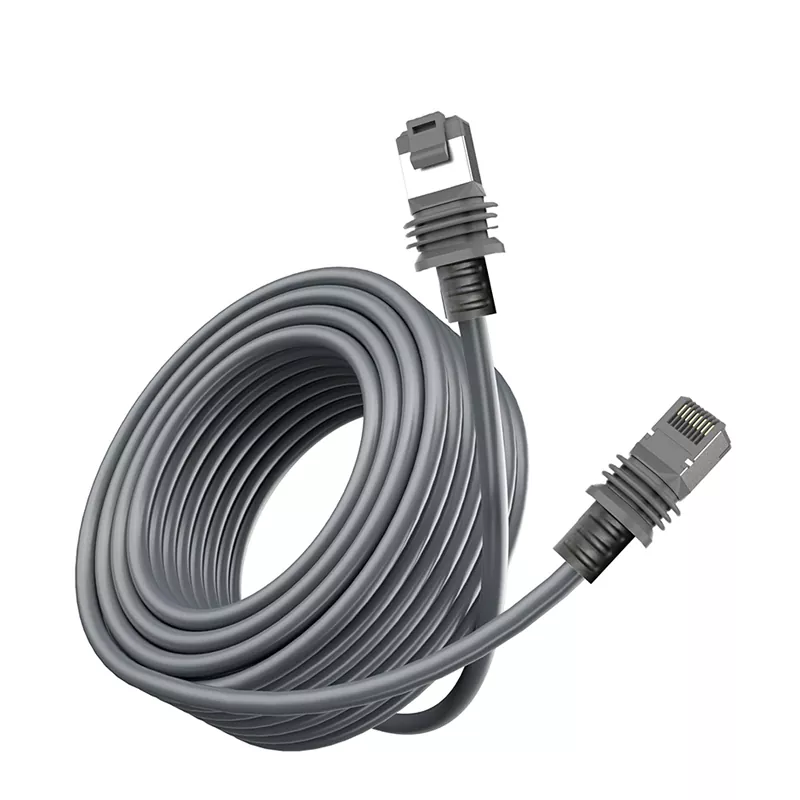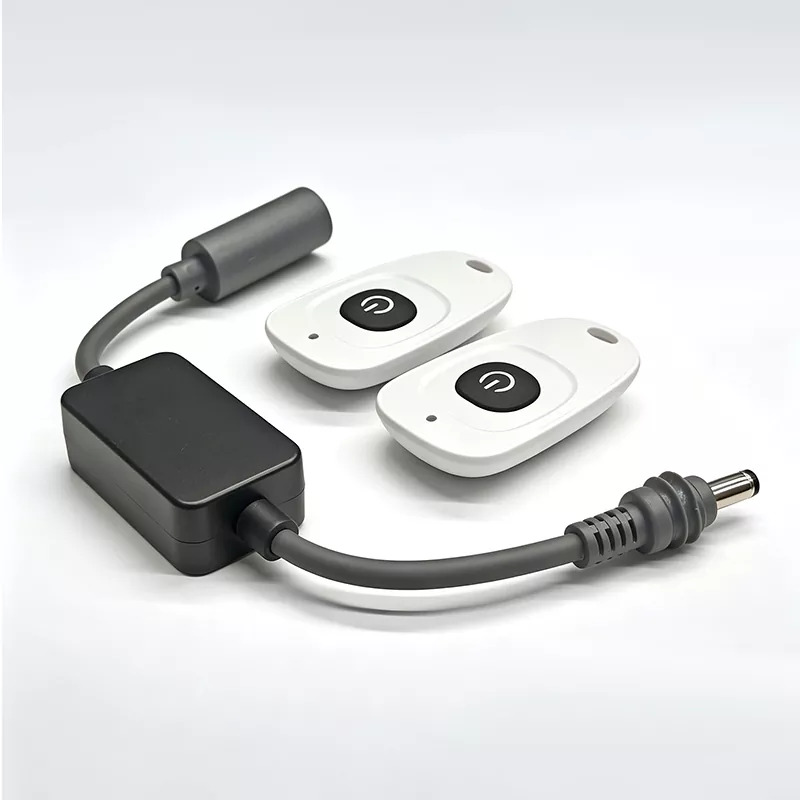
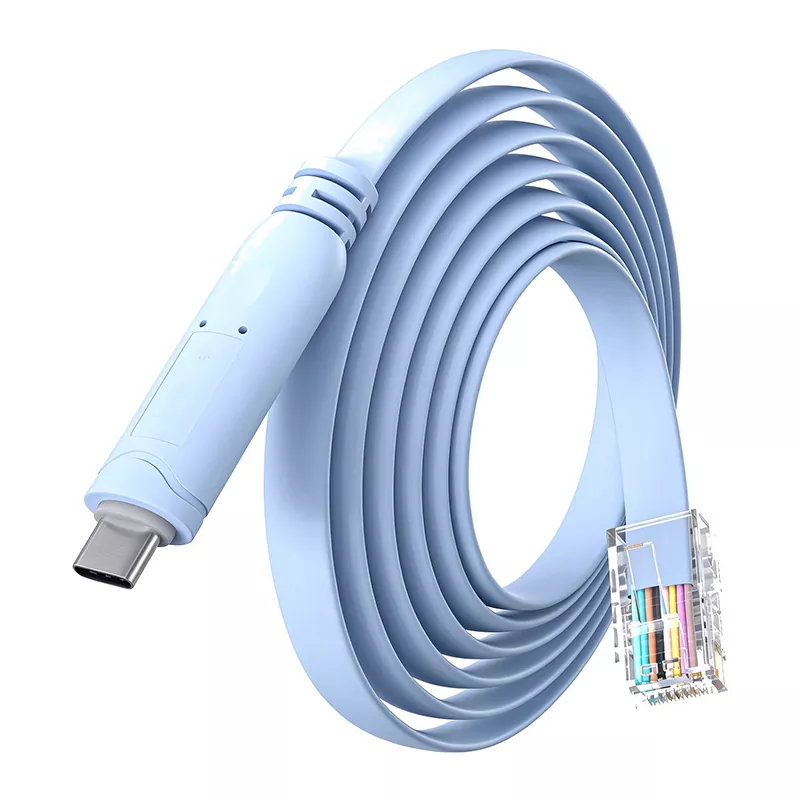
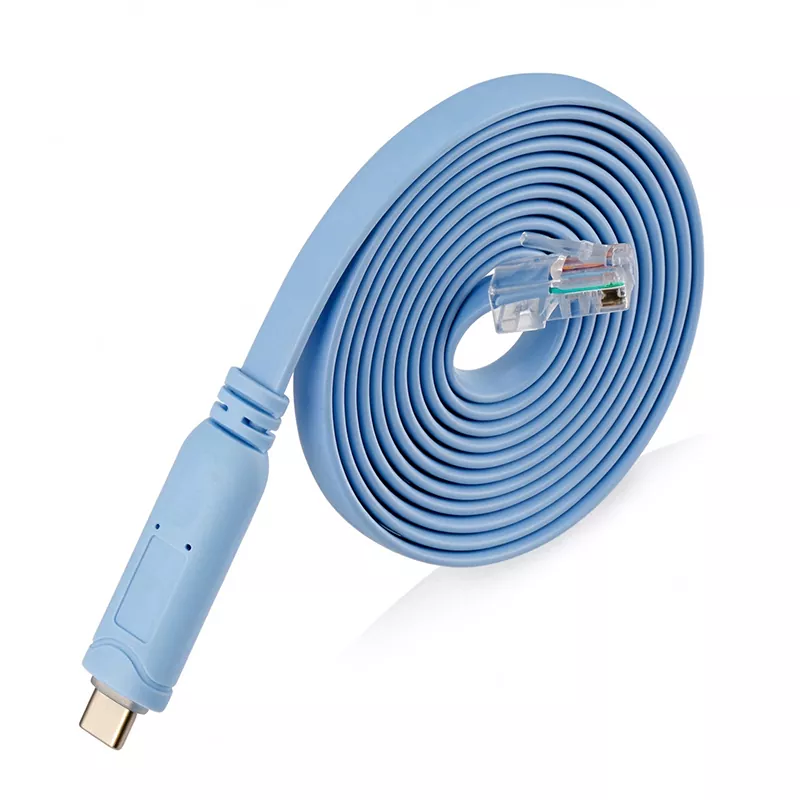
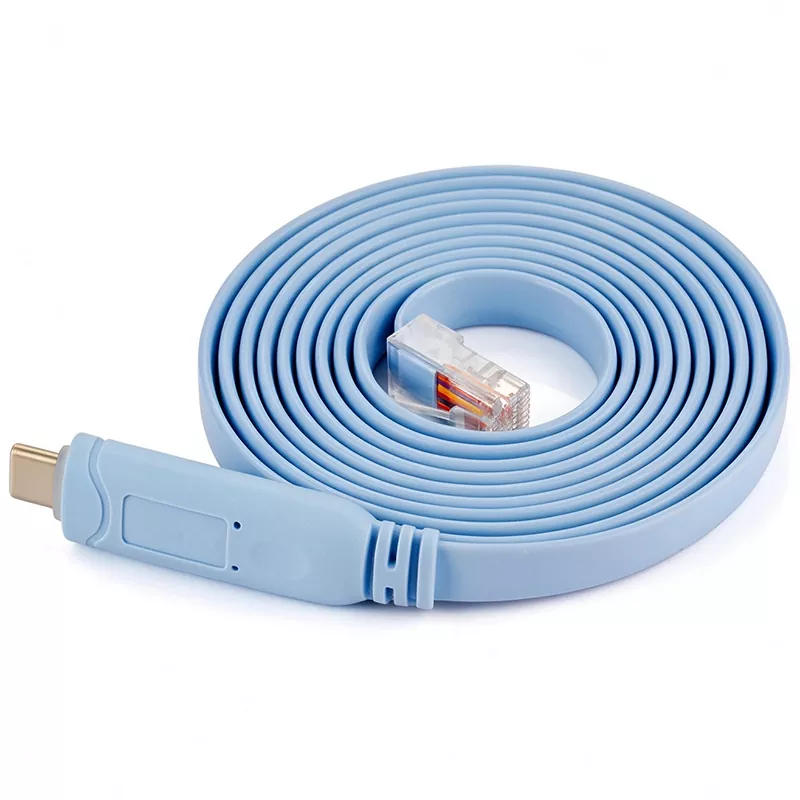
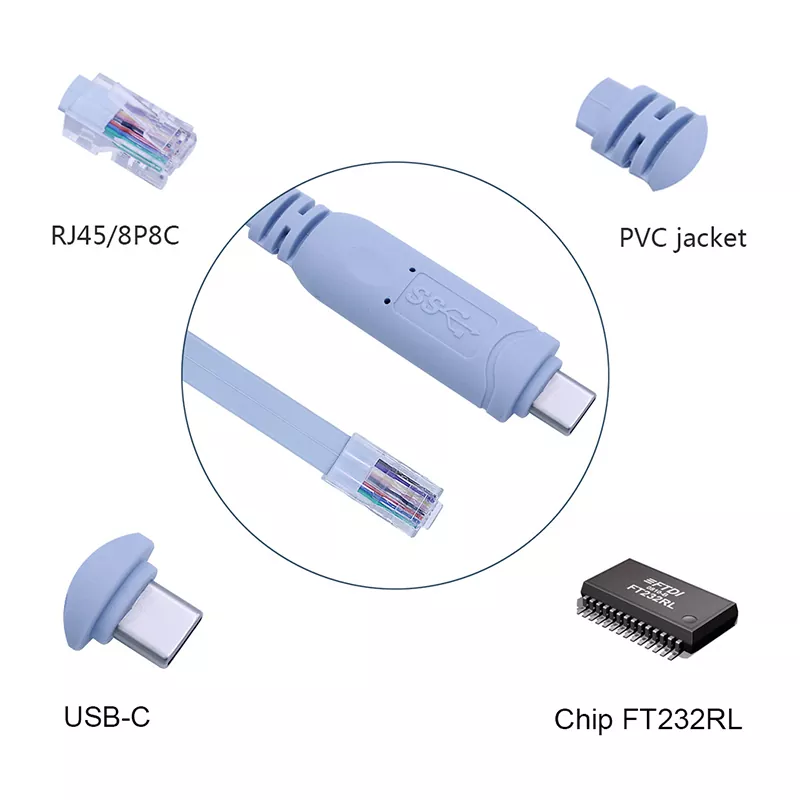
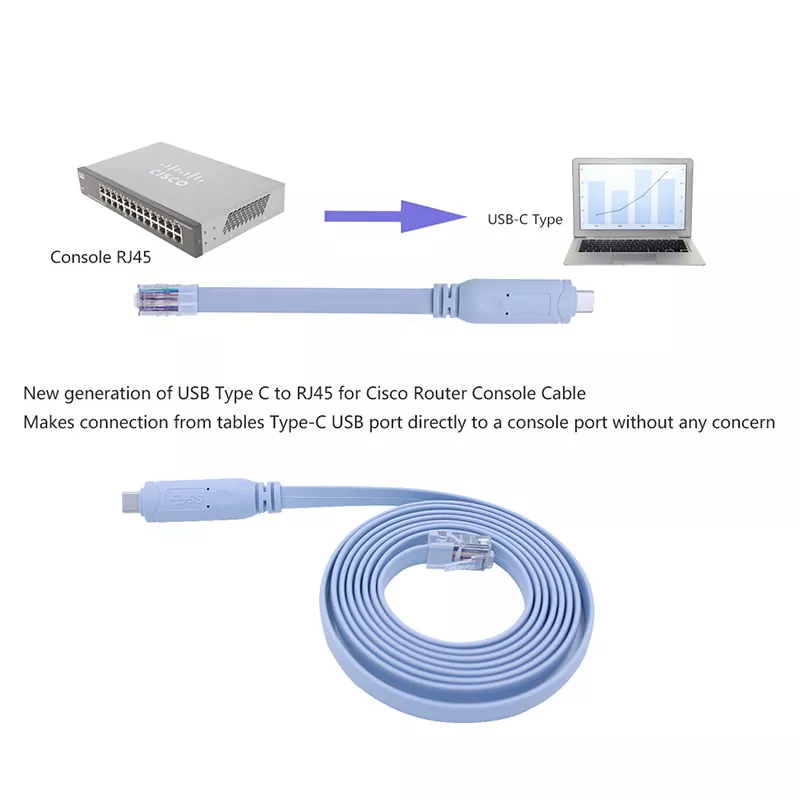
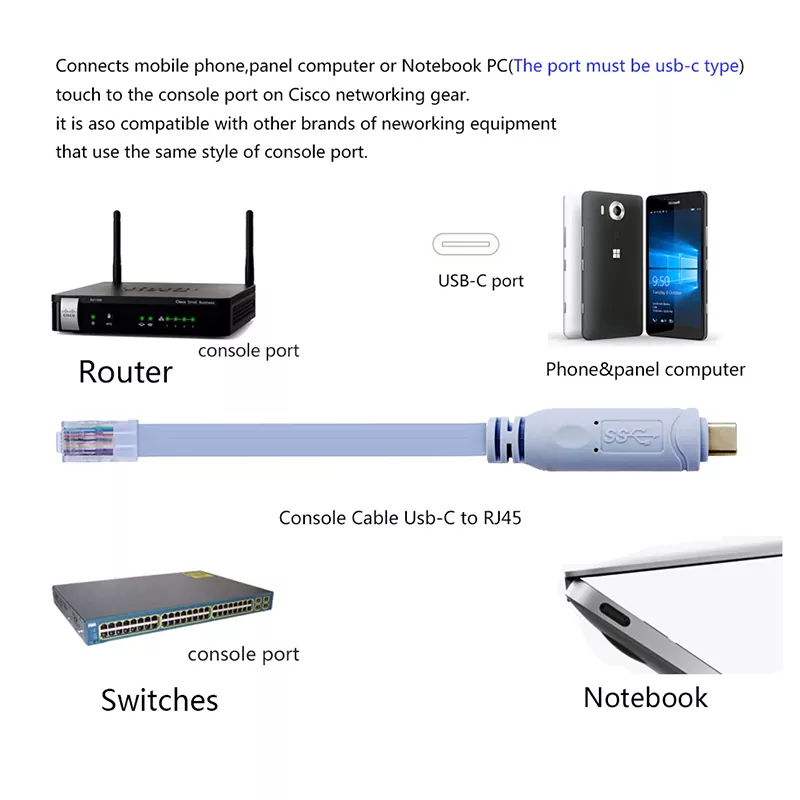
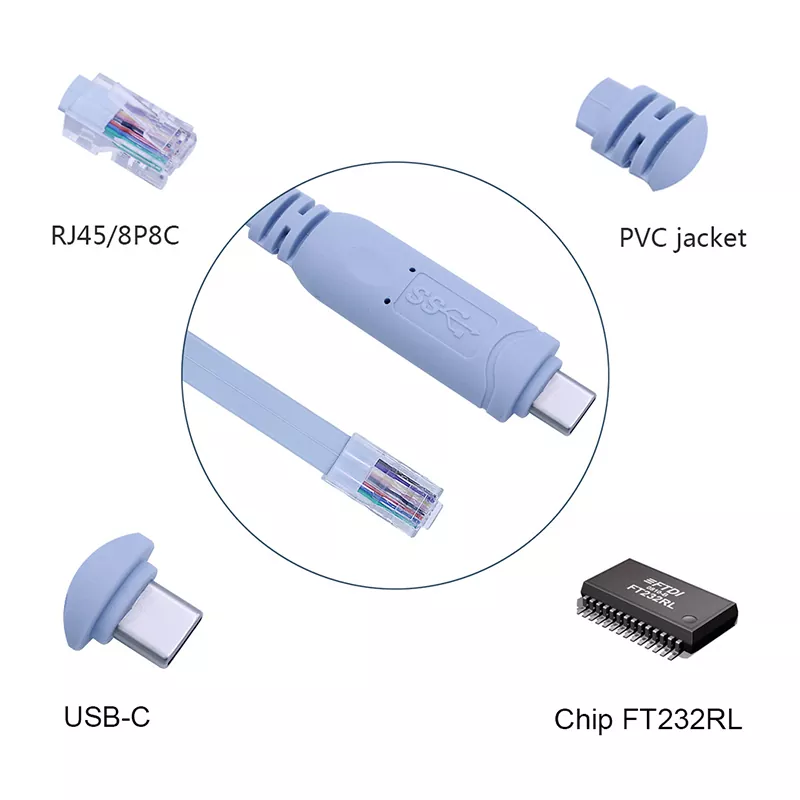
The RJ45 plug, commonly called a crystal head, has eight pins and is widely used in LAN and ADSL broadband network equipment connections for data transmission. In this product, the RJ45 end provides console access to compatible network equipment. The cable is intended for serial console/debug use and is not a standard Ethernet patch cable.
|
Parameter |
Details |
|
Product Name |
USB-C to RJ45 Console Cable |
|
Function |
Converts USB-C to RJ45 console interface for debugging, configuration, and communication |
|
Connector Type |
USB-C male to RJ45 male |
|
Device End |
RJ45 console interface, 8-pin crystal head |
|
Cable Specification |
Tinned copper, 28AWG |
|
Chipset |
FT232 + ZT213 |
|
Electrical Standard |
Compliant with RS232 specification |
|
Supported Systems |
Wii and Wii U, Windows 10/8/7/Vista/XP, Mac OS X and above, Linux, Chrome OS; Android not supported |
|
Supported Devices |
Cisco, Huawei, H3C, ZTE and other switches, routers, firewalls, servers, wireless APs with RJ45 console port |
|
Applications |
Device debugging, configuration, communication, data management, and network application control |
|
Cable Design |
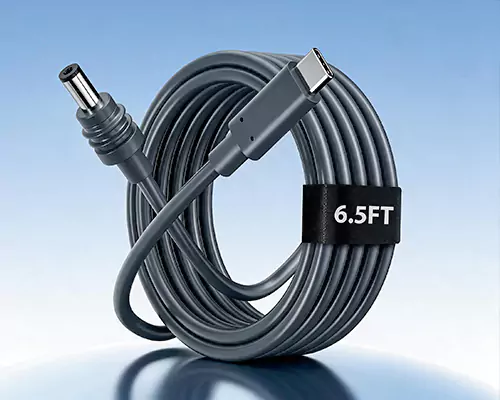
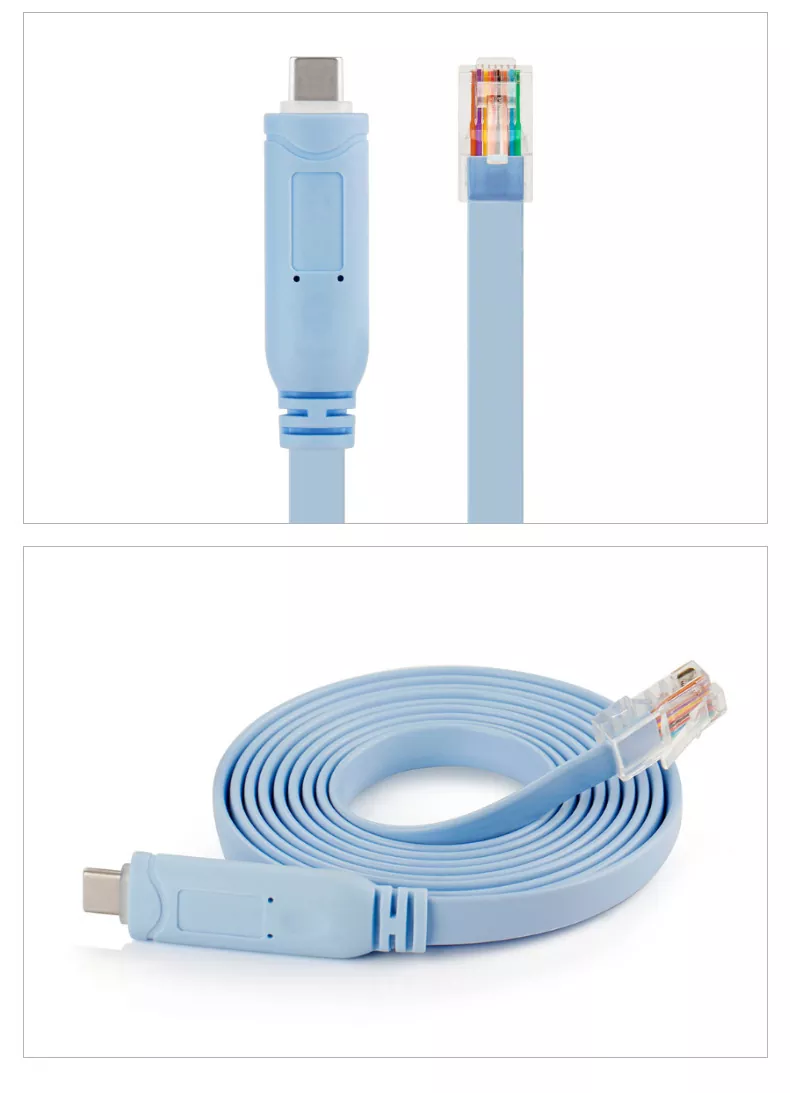
Flat cable with molded strain relief and light-blue jacket, as shown in product images |
|
Brand |
DIKWAN, as shown in product image |
The cable converts a computer’s USB-C interface to an RJ45 console interface, allowing users to perform device debugging and control through a serial console connection.
The cable uses an FT232 + ZT213 chipset, providing a defined chipset configuration for USB-C to RJ45 console communication.
The product is designed to comply with the RS232 specification, supporting serial console communication with compatible networking equipment.
It supports Wii and Wii U, Windows 10/8/7/Vista/XP, Mac OS X and above, Linux, and Chrome OS. Android is not supported.
The cable is suitable for Cisco, Huawei, H3C, ZTE and other switches, routers, firewalls, servers, and wireless APs equipped with an RJ45 console port. It supports debugging, configuration, and communication operations.
The cable uses tinned copper conductors with a 28AWG specification, providing a defined conductor configuration for console cable assemblies.
The product images show a flat, light-blue cable with molded strain relief at both ends. This construction is suitable for routine debugging, configuration, and maintenance use.
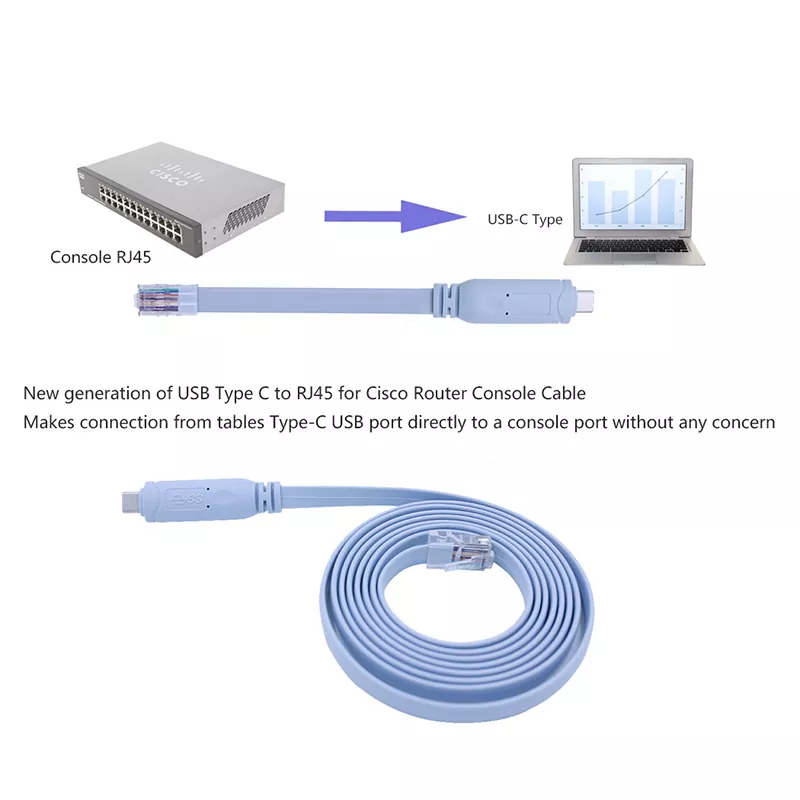
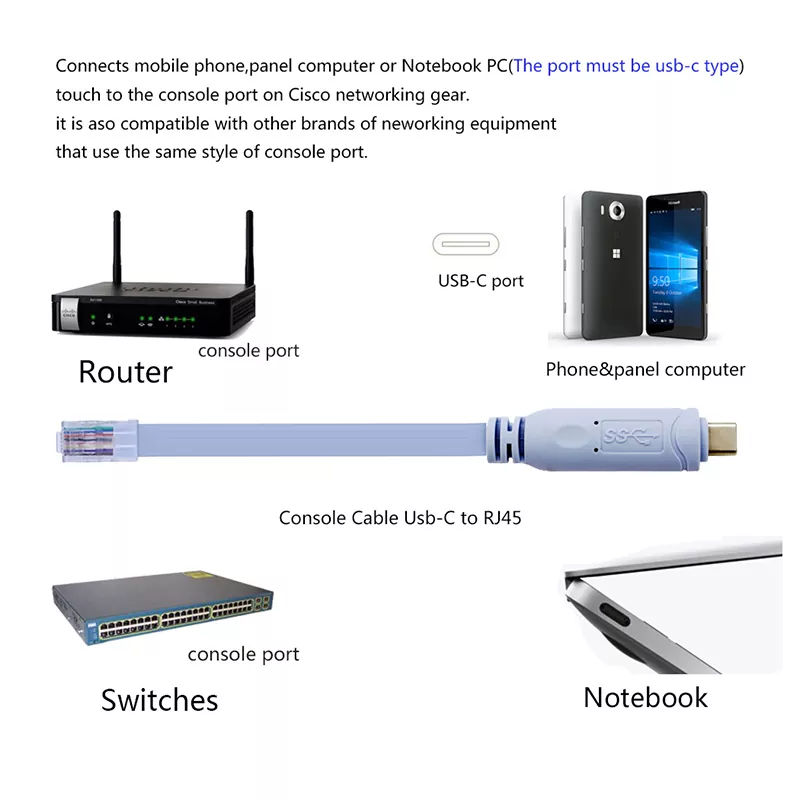
Use the cable to connect a USB-C computer to the RJ45 console port of switches, routers, and firewalls for initial configuration and commissioning.
Suitable for IT teams performing console-level configuration, troubleshooting, and management of enterprise network equipment.
Connect to compatible servers and firewalls with RJ45 console interfaces for local terminal access and configuration.
Useful for configuring and debugging wireless APs that provide an RJ45 console port.
Suitable for lab setups, testing benches, and technical training where direct serial console access is required.
Supports individual users and small networks requiring data management and network application control through compatible console interfaces.
The cable uses tinned copper conductors with a 28AWG specification.
The cable is built with an FT232 + ZT213 chipset.
The product is designed to meet the RS232 specification for serial communication.
Both ends use standard connectors: USB-C male on the host side and RJ45 male on the device side. The RJ45 plug is an 8-pin crystal-head type.
The product is shown with a flat cable construction, molded strain relief, and a light-blue jacket. These features support routine handling and installation in debugging and maintenance environments.
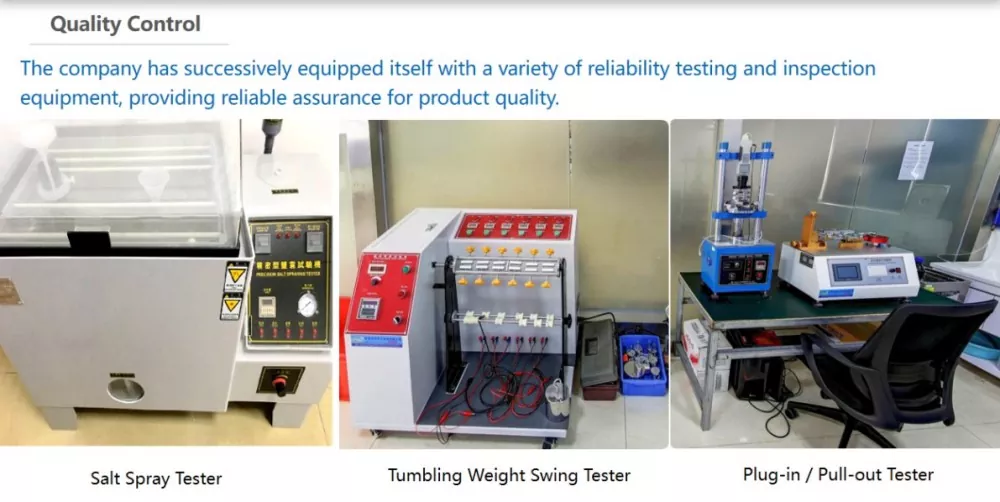
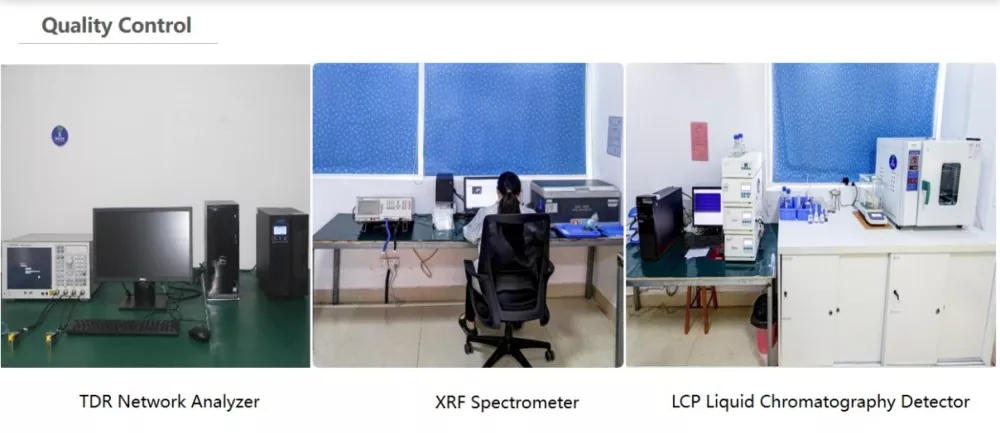
The cable is manufactured with the specified FT232 + ZT213 chipset, 28AWG tinned copper conductors, and RS232-compatible electrical design. Typical production checks can include connector continuity, chipset function, serial communication verification, connector and cable appearance inspection, and packaging inspection before shipment. For project orders, testing and packaging requirements can be confirmed according to the required configuration.
It is used to convert a computer’s USB-C port to an RJ45 console interface for debugging, configuration, and communication with compatible network devices.
It uses a USB-C male connector on one end and an RJ45 male connector on the other end.
The cable uses an FT232 + ZT213 chipset.
The product is designed to comply with the RS232 specification.
It supports Wii and Wii U, Windows 10/8/7/Vista/XP, Mac OS X and above, Linux, and Chrome OS. Android is not supported.
It is suitable for Cisco, Huawei, H3C, ZTE and other switches, routers, firewalls, servers, and wireless APs with an RJ45 console port.
The cable uses tinned copper conductors with a 28AWG specification.
For product samples, wholesale orders, or project requirements, please contact the supplier to confirm the required configuration and quotation.






Address
Factory:No. 1, 2nd Street, Shujiu Industrial Park, Changping Town, Dongguan City,Guangdong Province, ChinaSales Office:NO.505, Tianhui Block, Fukang Community, Longhua Street, Longhua District, Shenzhen City,Guangdong province, China
Tel